
Data & analysis
Ask questions of your data in plain English — an agent writes the SQL, runs it, and saves the answers.
Point an agent at your datasets and ask questions in plain language. You describe what you want to know; the agent finds the right dataset, writes the SQL, runs it, and hands back the answer — no query language on your side.
Availability: Data & analysis is included on every plan. See Plans & credits.
What the agent does
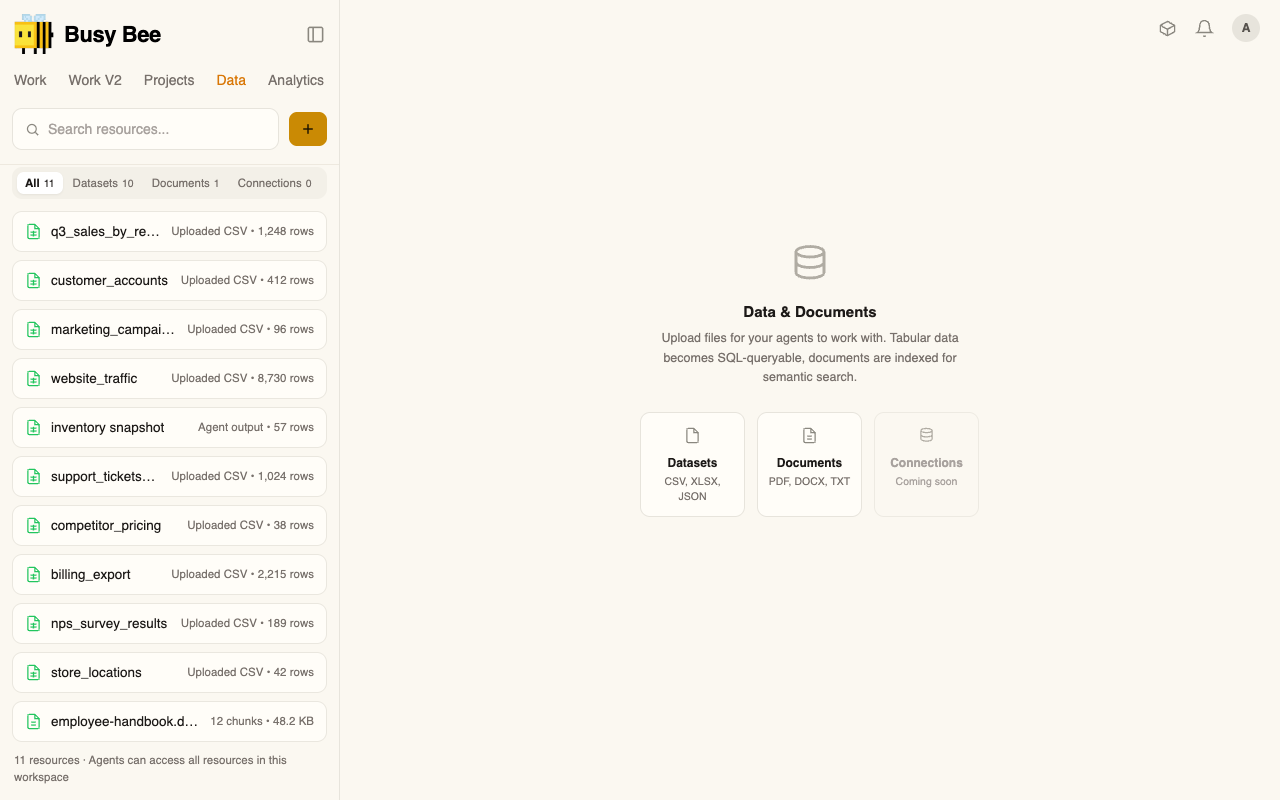
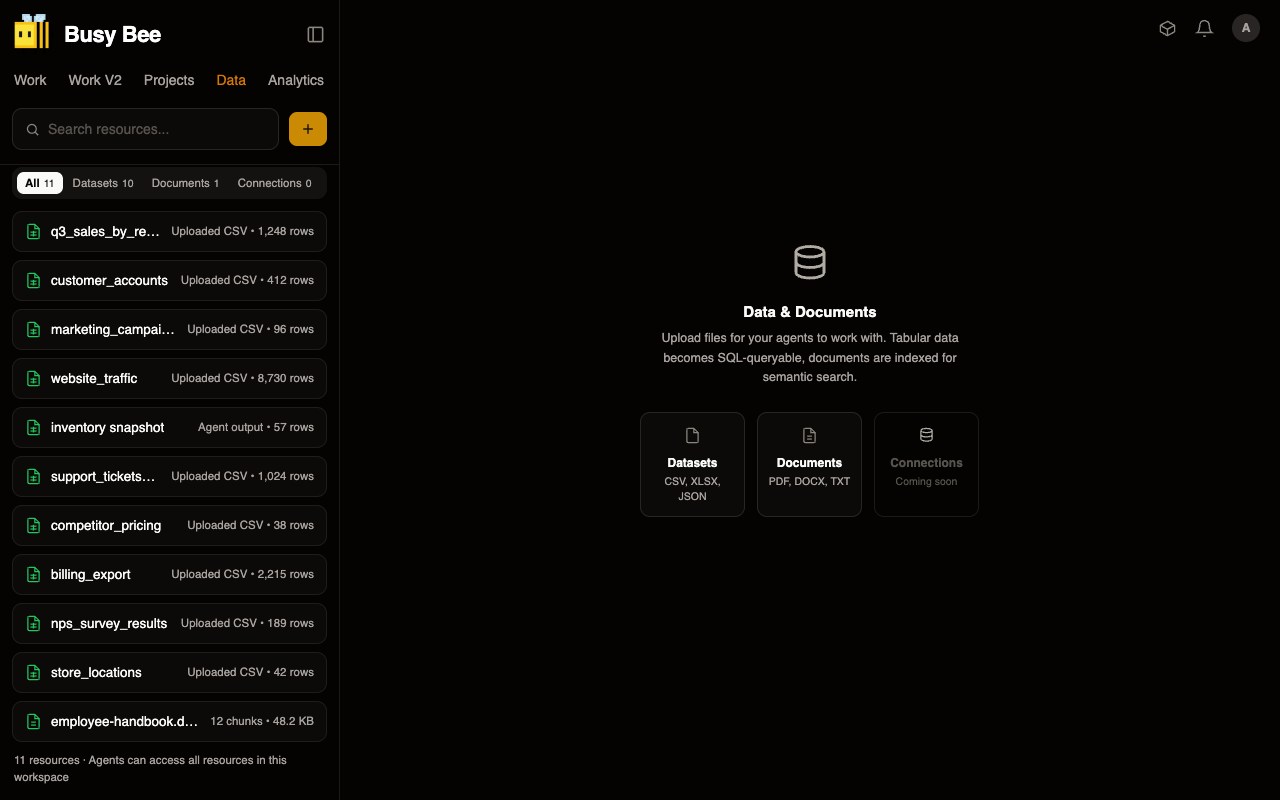
- Finds the data — lists the datasets available to your organization with their descriptions, row counts, and tags, so it works from what actually exists instead of guessing.
- Learns the shape — pulls a dataset's columns, types, sample values, and statistics before writing anything, so the query matches your data.
- Answers the question — writes and runs SQL for you. Behind the scenes it can join across datasets, use window functions, CTEs, and aggregations — so "revenue by region, quarter over quarter" is one question, not a project.
- Scans for anomalies — runs an automated first-pass check on a dataset: missing-value ratios, statistical outliers, duplicate rows, and skewed distributions, ranked by severity. Good for "is anything off in this data?" before you dig in.
- Saves results — writes an answer back as a new dataset you and other agents can query later, so a one-off analysis becomes reusable.
How it works
Queries run on a fast analytical engine (DuckDB) directly against your stored data — no separate database to load or maintain. Results come back as rows, capped at 1,000 by default so answers stay readable, with a warning if there's more. Long-running queries are cut off at 30 seconds so a heavy question can't hang. Every dataset and saved result is scoped to your organization.
Where it fits
Load or connect your data in Data first. This powers the dashboard and report work in Documents & reports, and agents lean on Memory to remember what your datasets mean over time.