
Bring your own model keys
Run your agents on your own AI provider accounts instead of the platform default.
By default, your agents run on models the platform provides. If you'd rather bill AI usage to your own provider account — or use a plan you already pay for — add your provider API key. When a matching key is on file, your work runs on it instead of the default.
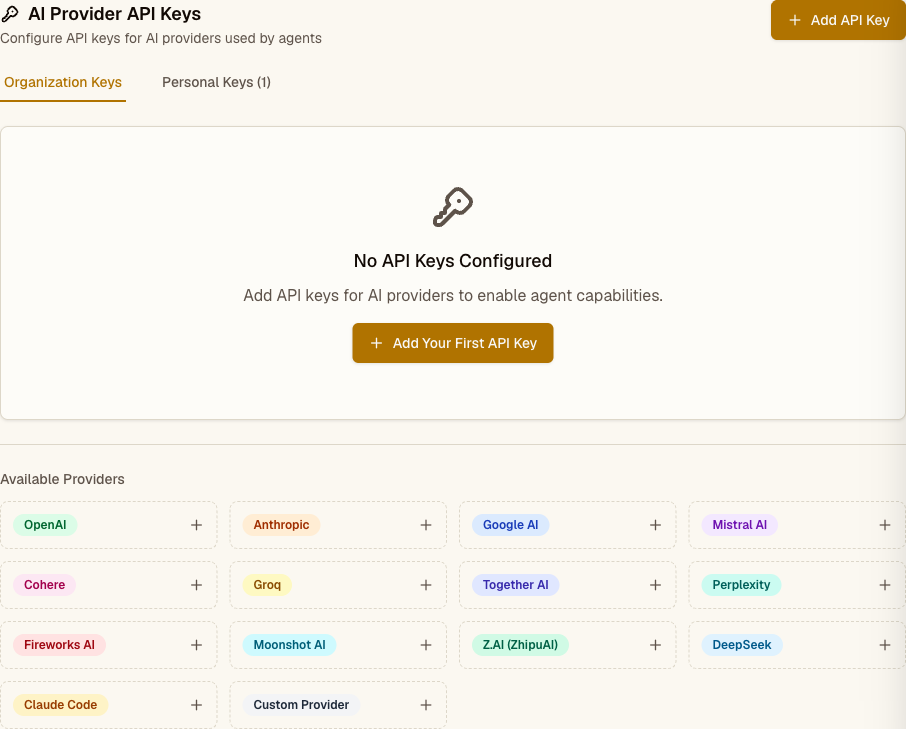
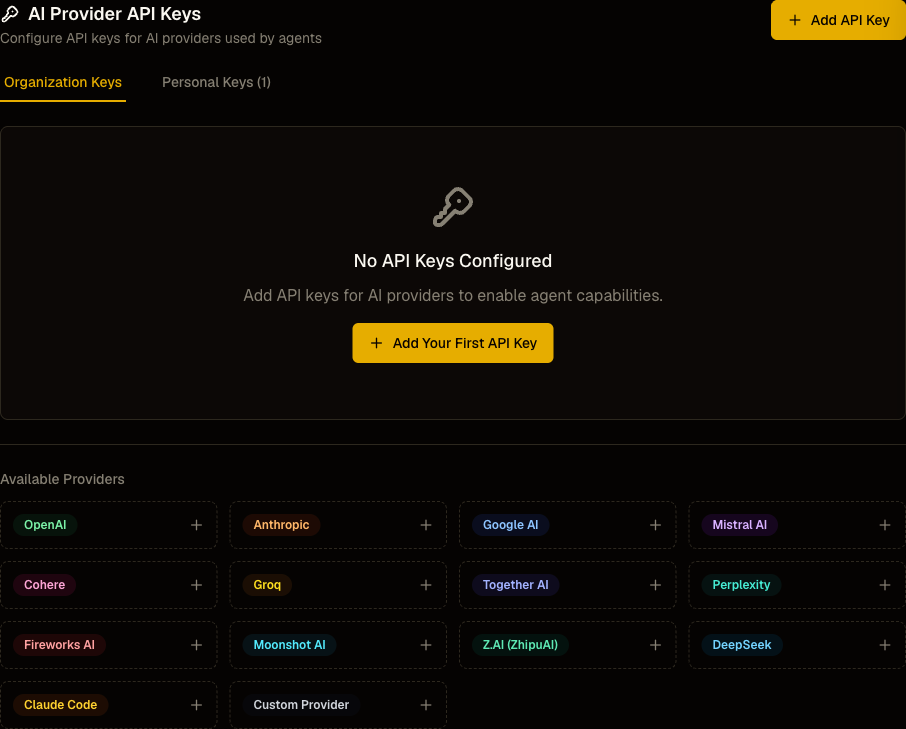
Which providers you can connect
You add keys per provider, using the key format that provider issues. The keys that actually take over model runs are:
- Anthropic (Claude models)
- OpenAI (GPT models)
- Google AI (Gemini models)
- Moonshot (Kimi models)
- Z.AI (GLM models)
- DeepSeek
Add a key from the provider's own console — for example, Anthropic keys start with sk-ant-, OpenAI keys with sk-, Google keys with AIza. Keys are validated against the expected format before they're saved and stored encrypted.
How your key gets used
When a task runs, the platform looks for a key matching the model's provider:
- If you have one, that key handles the run — usage lands on your account, not the platform's.
- If you don't, the run falls back to the platform default with no interruption.
Only the provider that matches the running model is affected. Adding a Google key changes nothing about tasks running on Claude. Claude Code CLI agents reuse your Anthropic key for API access.
Org keys vs. personal keys
- Organization keys apply to everyone in your workspace. Only owners and admins can add or change them.
- Personal keys apply only to your own work. Any member can add their own.
Each key shows when it was last used and any recent error, so you can tell whether a key is live or needs rotating.
Where it fits
- Plans and credits — how default usage is billed when you don't bring a key
- API keys — keys for calling the platform, not for running models
- Connecting a tool — connect the non-AI services your agents use